
Find your people
Choose a genre, writing philosophy, or reader interest so writers know where to meet and readers know where to look.
EVERYWRITER · FOR THOSE WHO SHOW THE WAY
Bring writers together and discover work worth reading. You set the direction; EveryWriter provides submissions, review, featuring, and attribution tools.
01 / THE IDEA
An academy is a creative community with a direction. A dean, mentors, and writers connect discussion, submission, review, display, and recommendation in one visible journey.
Choose a genre, writing philosophy, or reader interest so writers know where to meet and readers know where to look.
Writers submit published works. Deans and mentors review them, give a result, and manage what the academy shows.
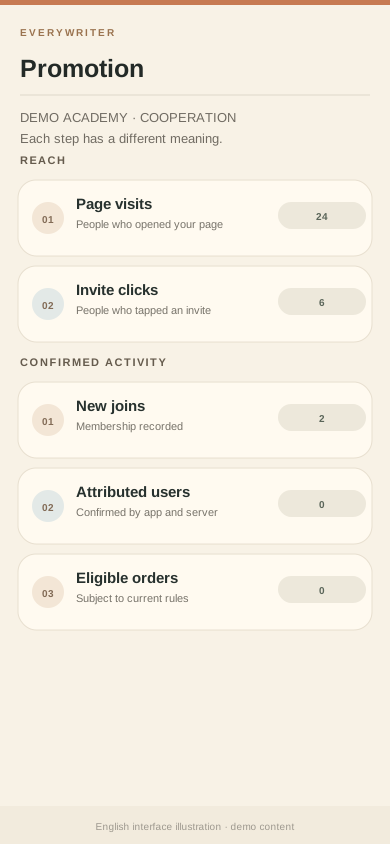
Invite through a cooperation page and see visits, joins, attribution, and eligible settlements as separate steps.
02 / THE JOURNEY
An academy grows through a clear path for writers and works, from first submission to curation.
Writers submit from the academy home. Managers can review pending, revision, and completed items, then approve, request changes, or reject.
English UI illustration · demo academy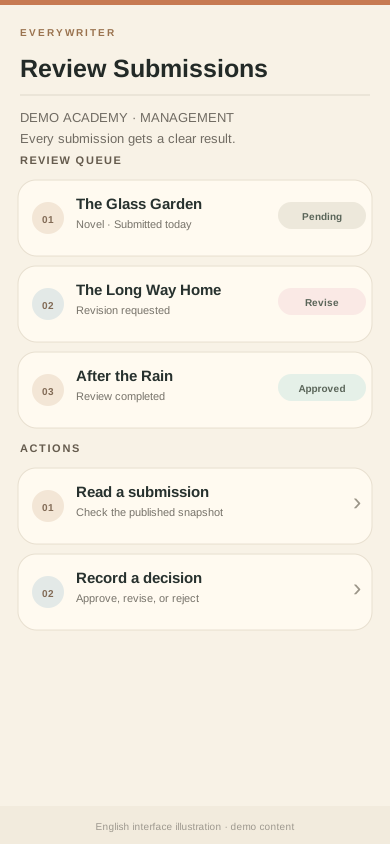
After approval, a work can appear in the academy display. The demo academy includes one illustrative long-form work.
English UI illustration · demo academy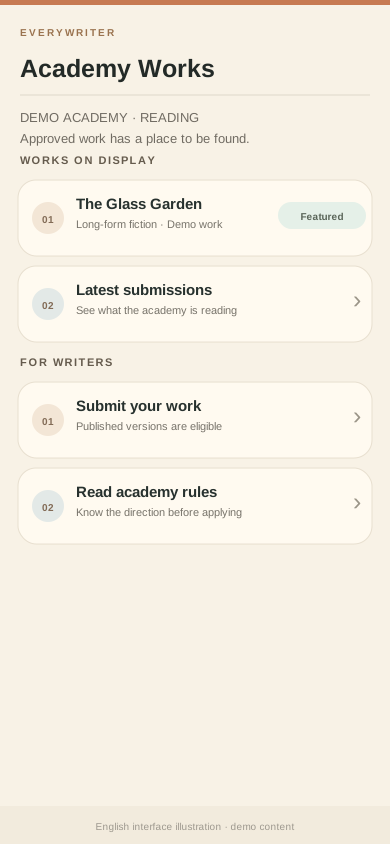
Managers can pin, mark as an academy pick, or take a work down. Featuring follows approval as a separate editorial action; a work may reach broader reading entry points.
English UI illustration · demo academy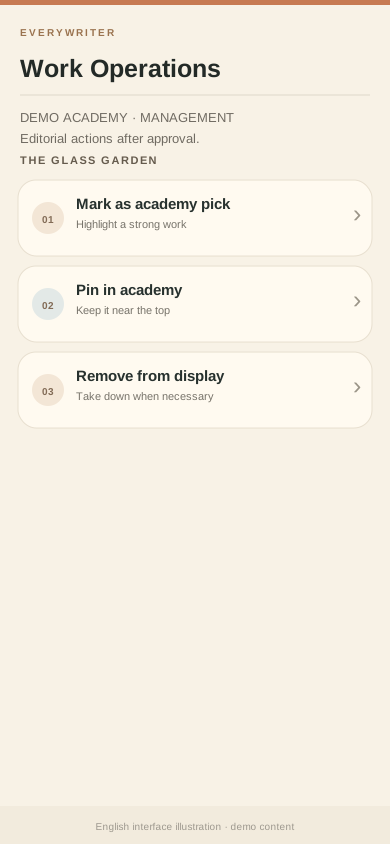
Works, review states, and counts are illustrative demo data. Actual display and recommendation follow current in-app rules.
03 / THE PEOPLE
A good academy grows through a clear direction, thoughtful feedback, and steady work curation.
Create the academy, manage members and works, and review promotion and attribution.
Help with content review and work curation so promising stories keep moving.
Write at your own pace, then bring a published work to the academy for discussion and display.
04 / THE CONTROL ROOM
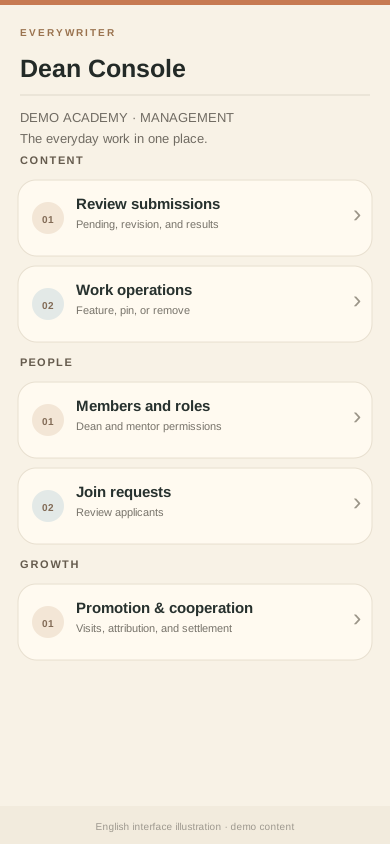
The management console brings daily work together: review submissions, curate works, handle member requests, edit academy details, and check promotion data.
Available entries depend on the academy identity and the manager’s current permissions.
05 / THE GROWTH PLAYBOOK
Explain who your academy serves and what it offers. Show up where writers already gather and share something worth keeping. Adapt these examples to your academy’s focus.
Answer a concrete question about stalled plots, confusing settings, or serial writing. Share the method fully before introducing the academy.
“Midway through a novel, I map each character’s goal and the next turning point. I’m building an academy for long-form writers in EveryWriter; come compare outlines and serial writing habits.”
Invite with care. Follow each platform’s rules. Share original advice in public, then offer an academy link when someone wants to talk. Do not scrape contact lists, send mass unsolicited messages, or attack other products.
06 / THE REAL RETURN
A cooperation page leads interested people to an academy. The console separates visits, invitation clicks, joins, new attributions, paying users, orders, and settlement. Each number means a different stage.
Share your cooperation page or invite entry, then review visits and clicks.
Joins and attribution are confirmed under app and server rules. A page view alone does not create earnings.
Only qualifying paid orders under the current cooperation rules enter settlement. Refunds and adjustments can change the final amount.
THE NEXT CHAPTER
Choose a direction. Find your first fellow creators. Open EveryWriter and start building.
Official Android and iOS availability follows the download status on the homepage.