Inspiration has a remarkable talent for arriving at inconvenient moments. The train is pulling in. The lights are already out. Your computer is, naturally, somewhere else.
So we put a better writing desk in your pocket. EveryWriter v6 for mobile is here. Draft chapters, keep track of characters, map a plot, make a cover, and listen back to your words. The things a long story needs now have a place to live.
You do not have to learn every tool before you begin. Write the first line. The rest can grow alongside the story.
A place for the first spark
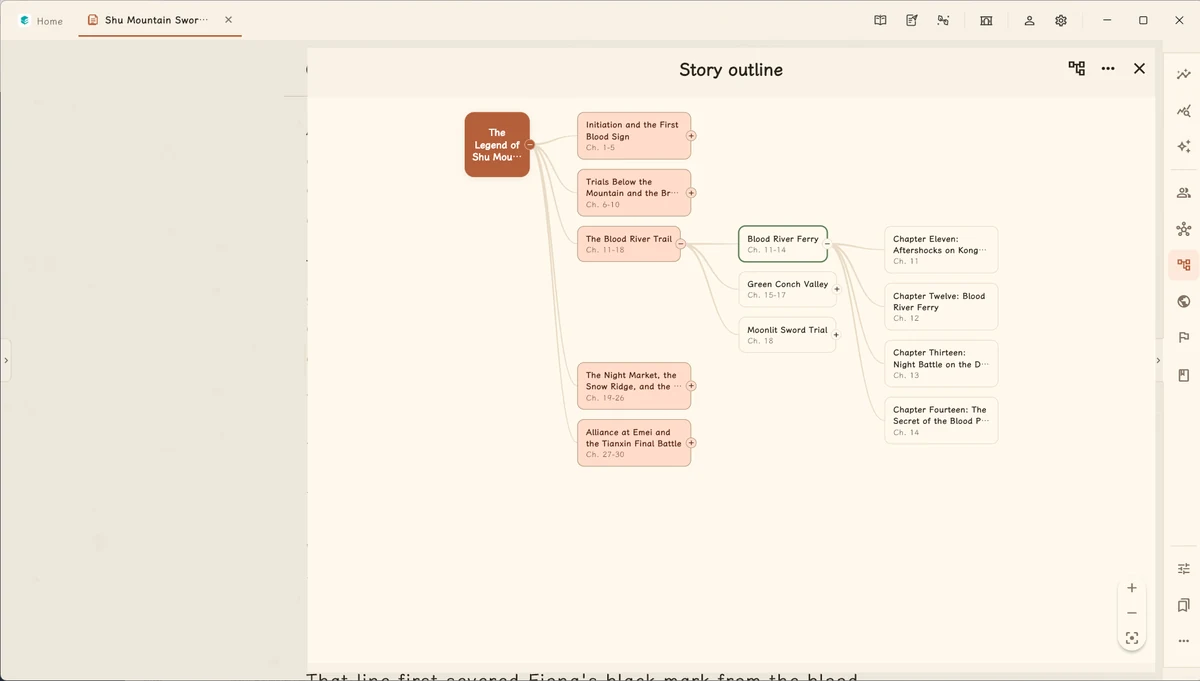
The novel you are serializing. The essay with half an opening. That idea filed under “one day, definitely.” Your writing home keeps your projects together and makes it easier to return to where you left off.
Glance at your progress, open the last chapter, and pick up the thread. A few hundred words today still count. Your protagonist would appreciate not waiting three months at the same crossroads.
Give this chapter your attention
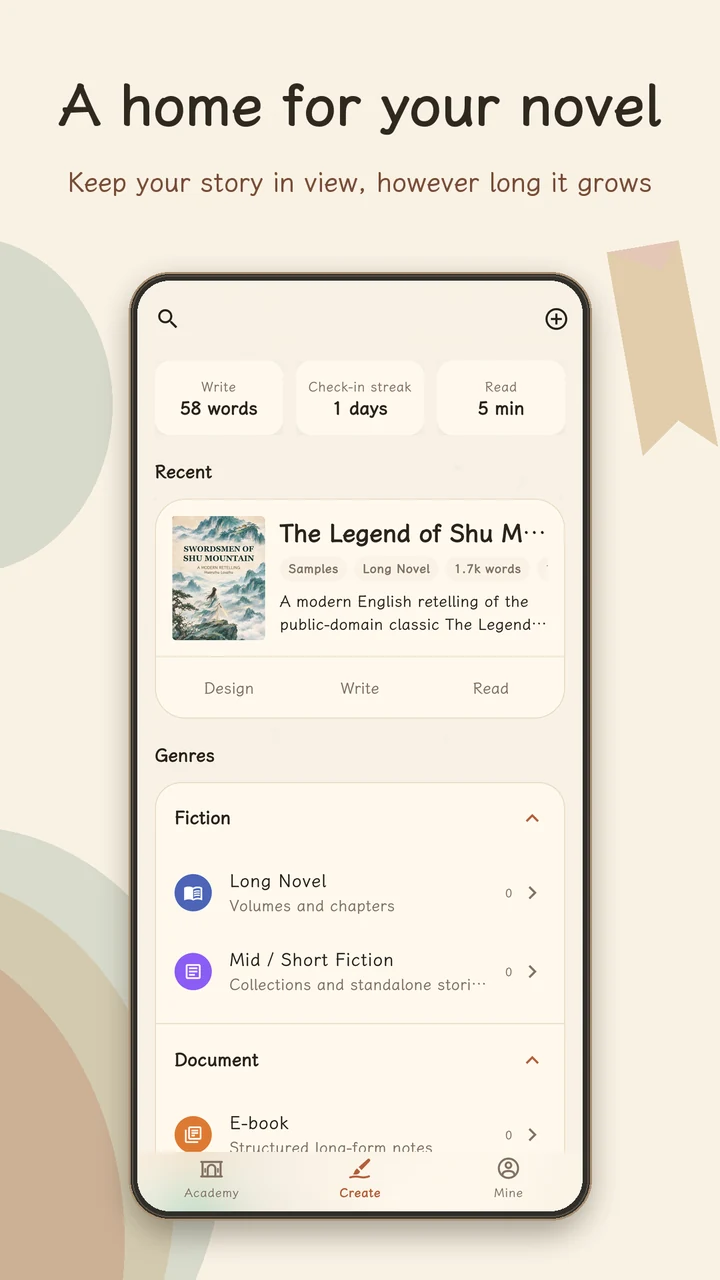
A long novel is written one chapter at a time. Open a chapter and settle into the words. Progress saves automatically, with frequently used tools close at hand. When it is time to rearrange the chapters, return to the project and take the wider view.
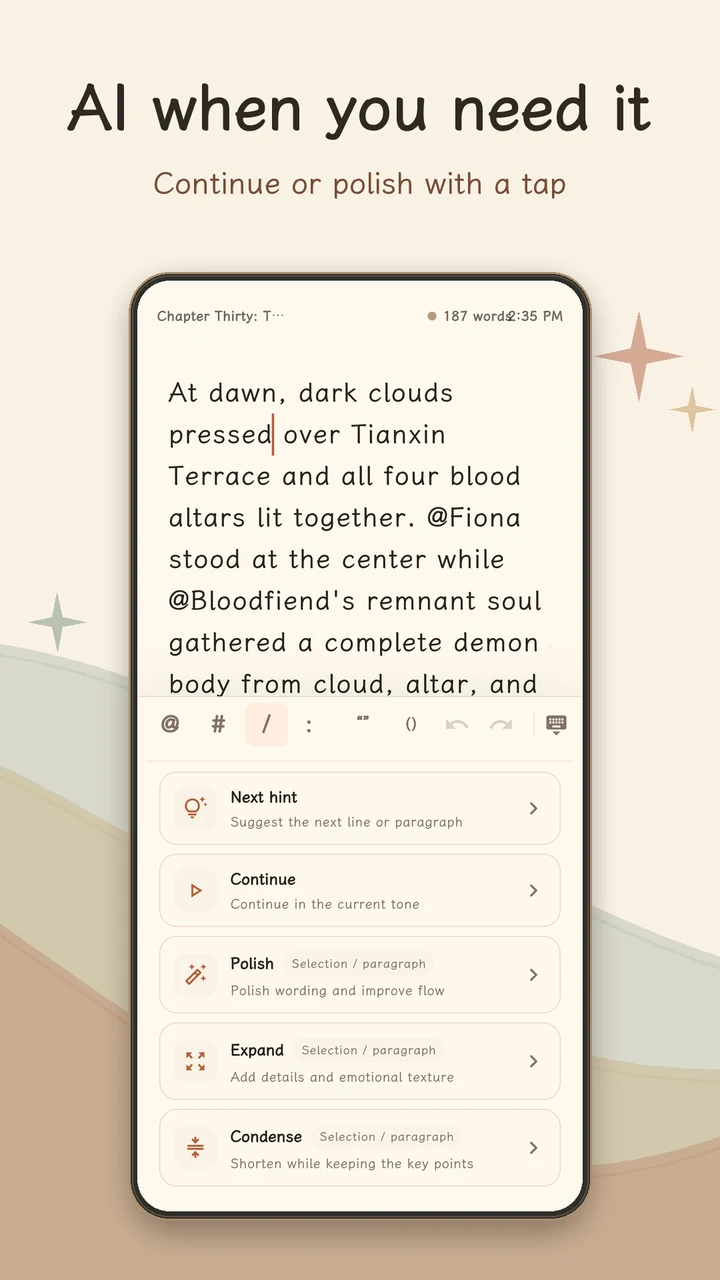
Once the cast gets large enough, even the author can mix up a name. Type @ to bring up character suggestions and invite the right person into the paragraph. Less commuting between manuscript and character notes; more time for the conversation on the page.
A map for the long road
A clue planted in chapter three suddenly comes knocking in chapter eighty. Two supporting characters are either cousins or sworn enemies, and you would quite like to remember which.
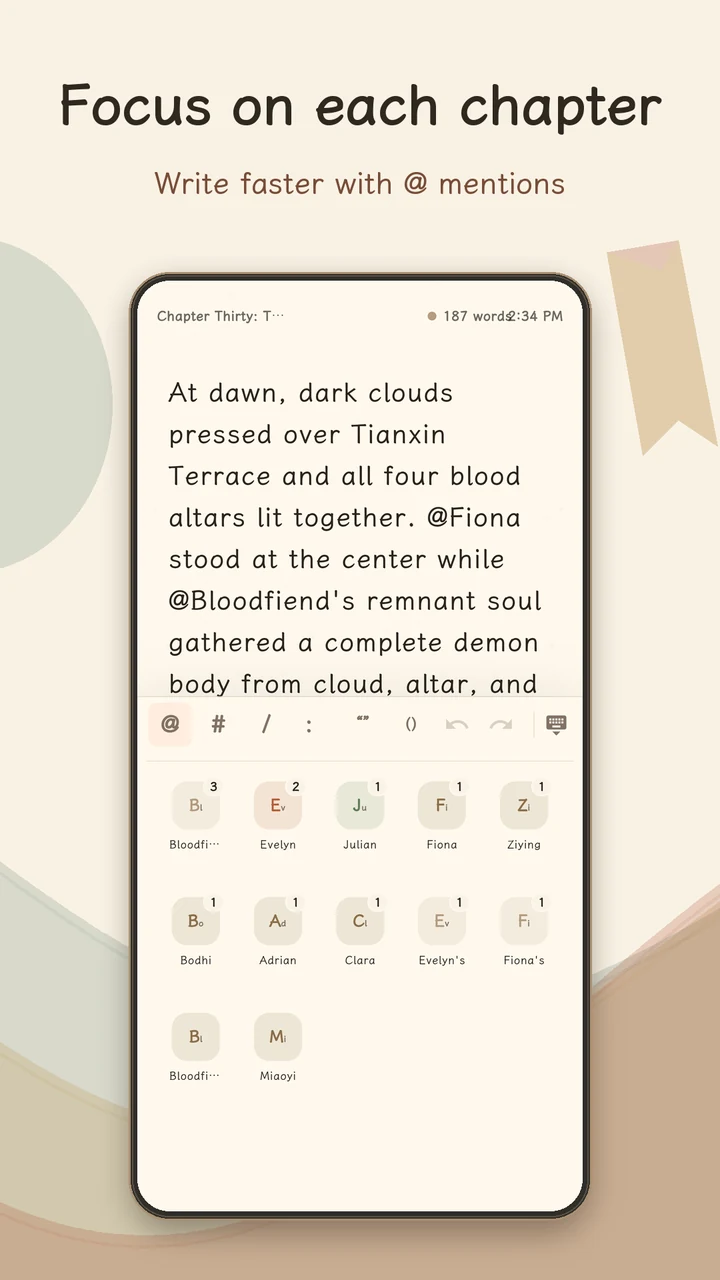
Story tools give those threads somewhere to go. Build an outline, character relationships, world rules, and foreshadowing notes as the book develops. The branches in the screenshot are signposts: a way to see where this chapter belongs in the larger journey.
Or send your protagonist out the door first and draw the map later. The tools are there to help the story move.
Your pen. An optional helping hand.
Sometimes an opening needs a nudge. Sometimes a sentence wants a little more room to breathe. When you want help, the AI menu offers a next sentence, continuation, expansion, or polish. Analysis tools can also help you revisit chapters and story threads.
Read the suggestion first. Keep it, reshape it, or let it go. The author’s chair is always yours.
You can write without using AI at all. If you do use it, check the One Points cost shown in the app before calling a tool. A small creative detour should not come with a surprise bill.
Give it a face. Lend it an ear.
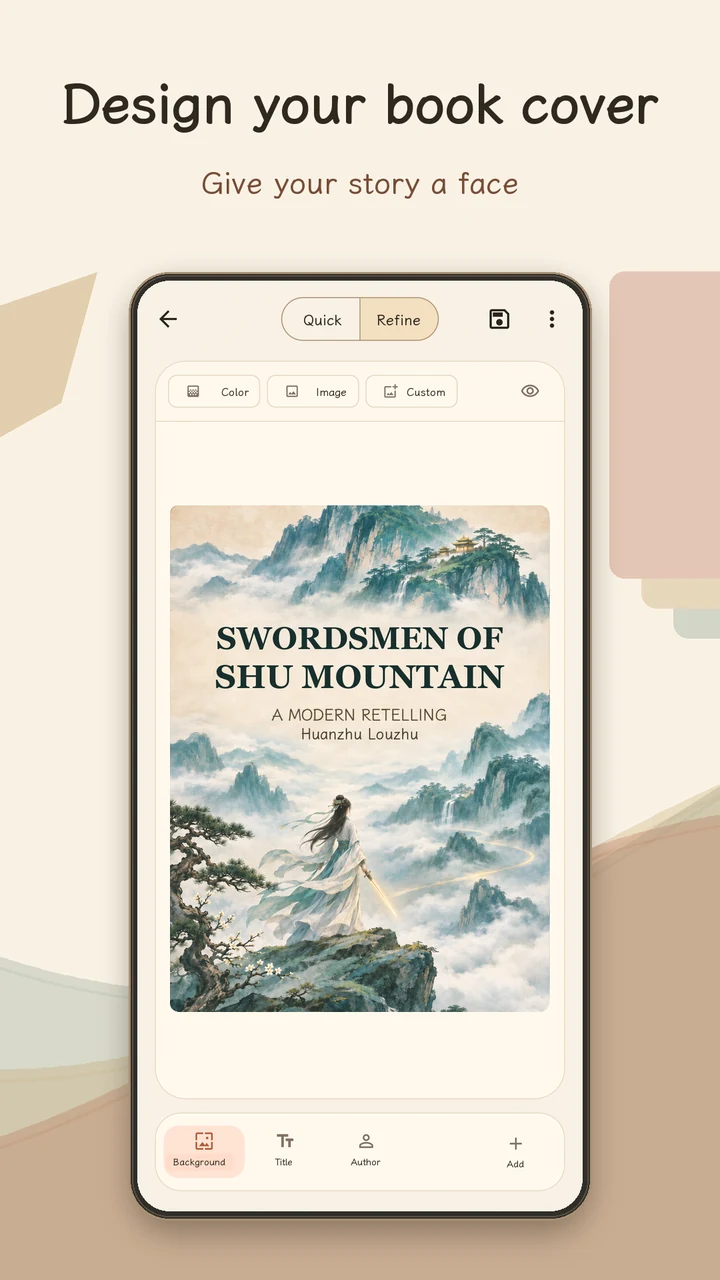
A manuscript can have a wardrobe, too. In the cover designer, arrange an image, a title, and text until the outside begins to sound like the story within. A windswept mountain? A moonlit city? You know the mood better than anyone.
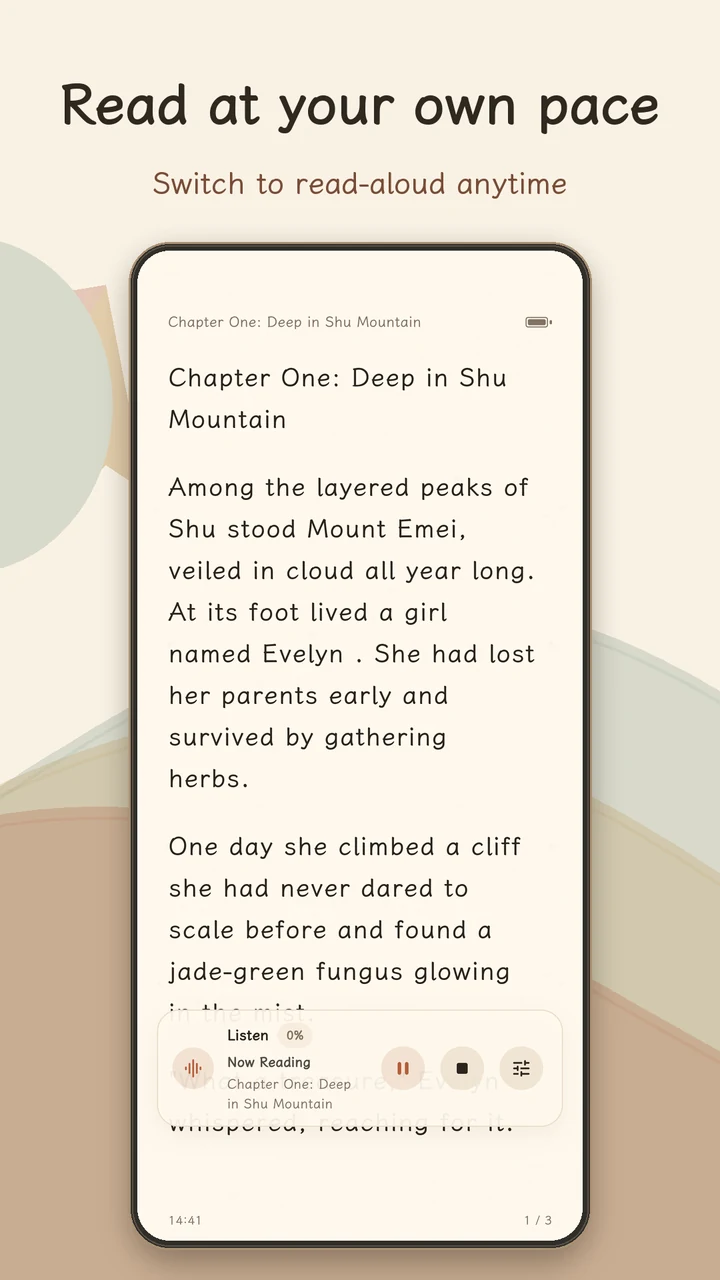
When a chapter is done, change seats and read it. Away from the editing tools, a hurried exchange or an awkward sentence can become easier to notice. Read-aloud gives your eyes a break and lets your ears take a shift.
Find your fellow storytellers
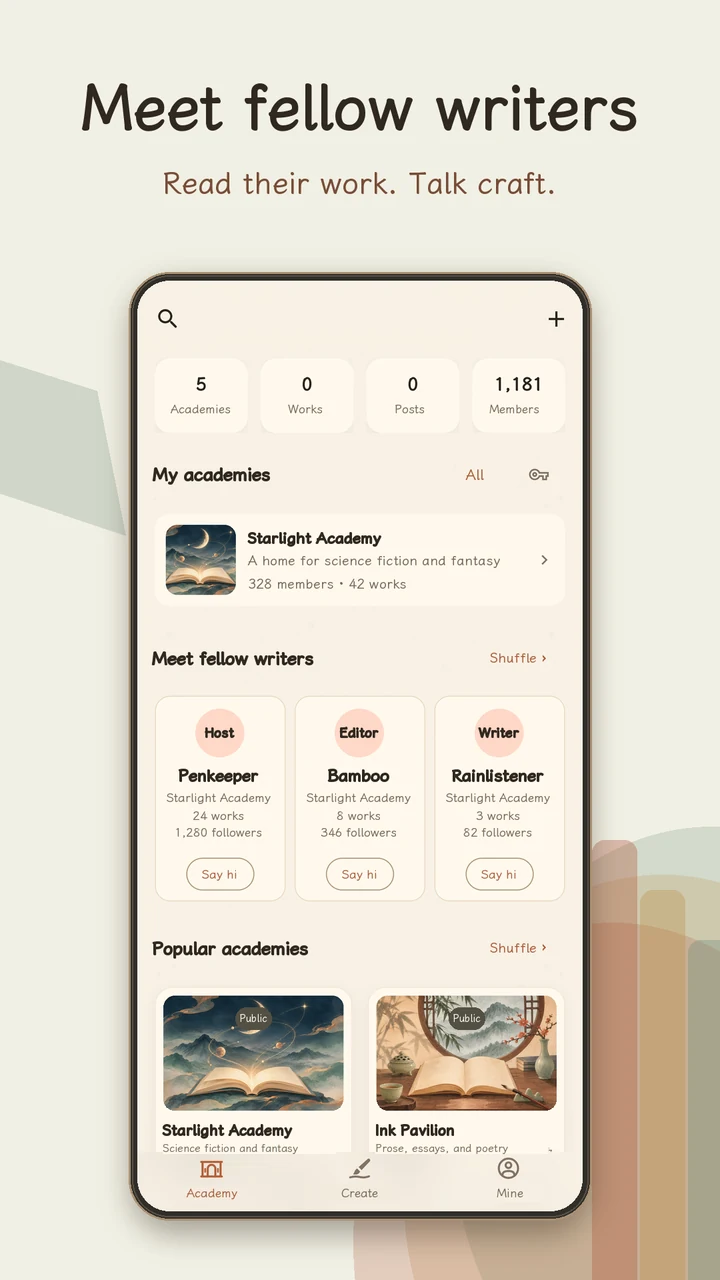
Writing alone can be lovely. Talking about writing is better with someone who understands why a fictional person has just ruined your afternoon.
Visit an Academy to meet creators, exchange thoughts on their work, or submit a prepared story to a suitable community. Not every chapter has to feel like a solo expedition.
v6 brings more tools within reach. The first step is still a small one: open a project and write today’s first line. That is often how a story moves forward—quietly, a little at a time.
Your next book might already fit in your pocket.
Before you go
Android is available from the website. iPhone and iPad currently use the website’s TestFlight invitation. Check the download page and the app for each channel’s version and availability. The mobile images in this article come from the Android v6 series; layouts on other devices may differ.
Visit the download page