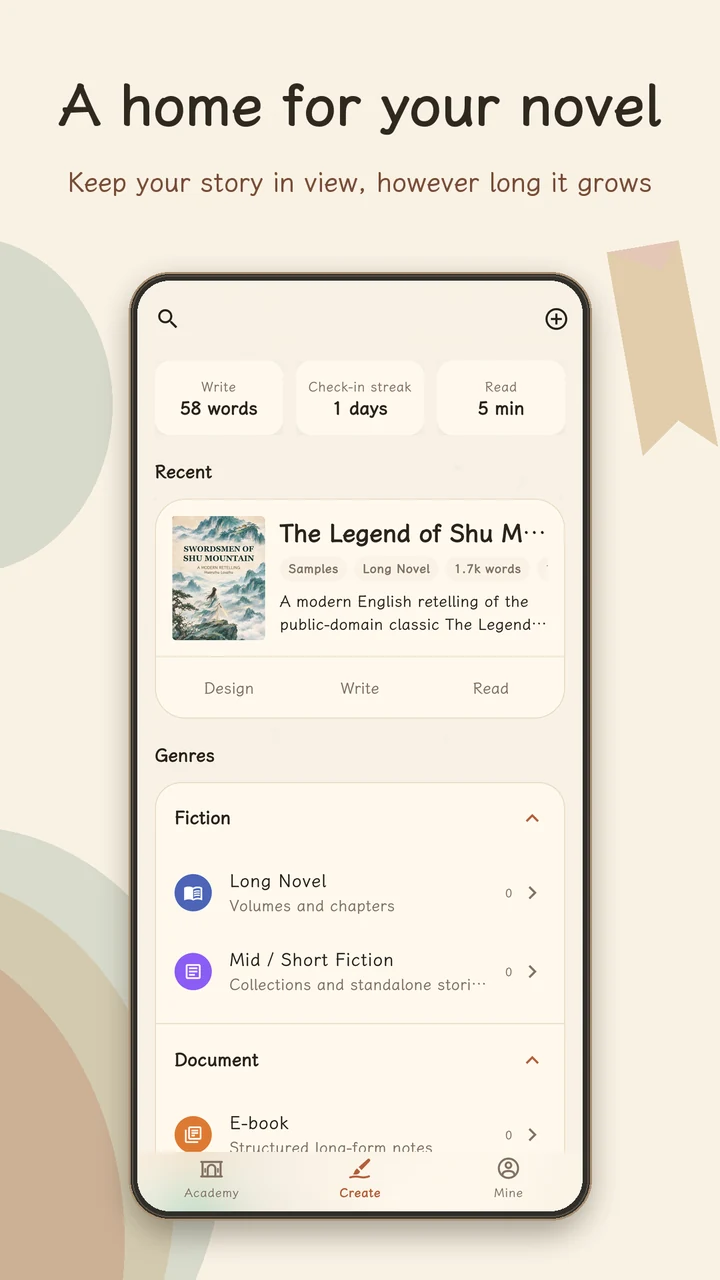
Some stories eventually need a larger desk. The chapter list is spreading out on the left. A conversation is half-written in the middle. Thirty-seven characters are waiting nearby for you to decide their futures.
EveryWriter v6 for desktop is here. We have given the familiar tools of long-form writing their own places: room to unfold the plot when you need perspective, and room to shut out the noise when you need a sentence.
A computer offers more than a bigger phone screen. A keyboard, a mouse, and a wider view should all earn their place at the desk.
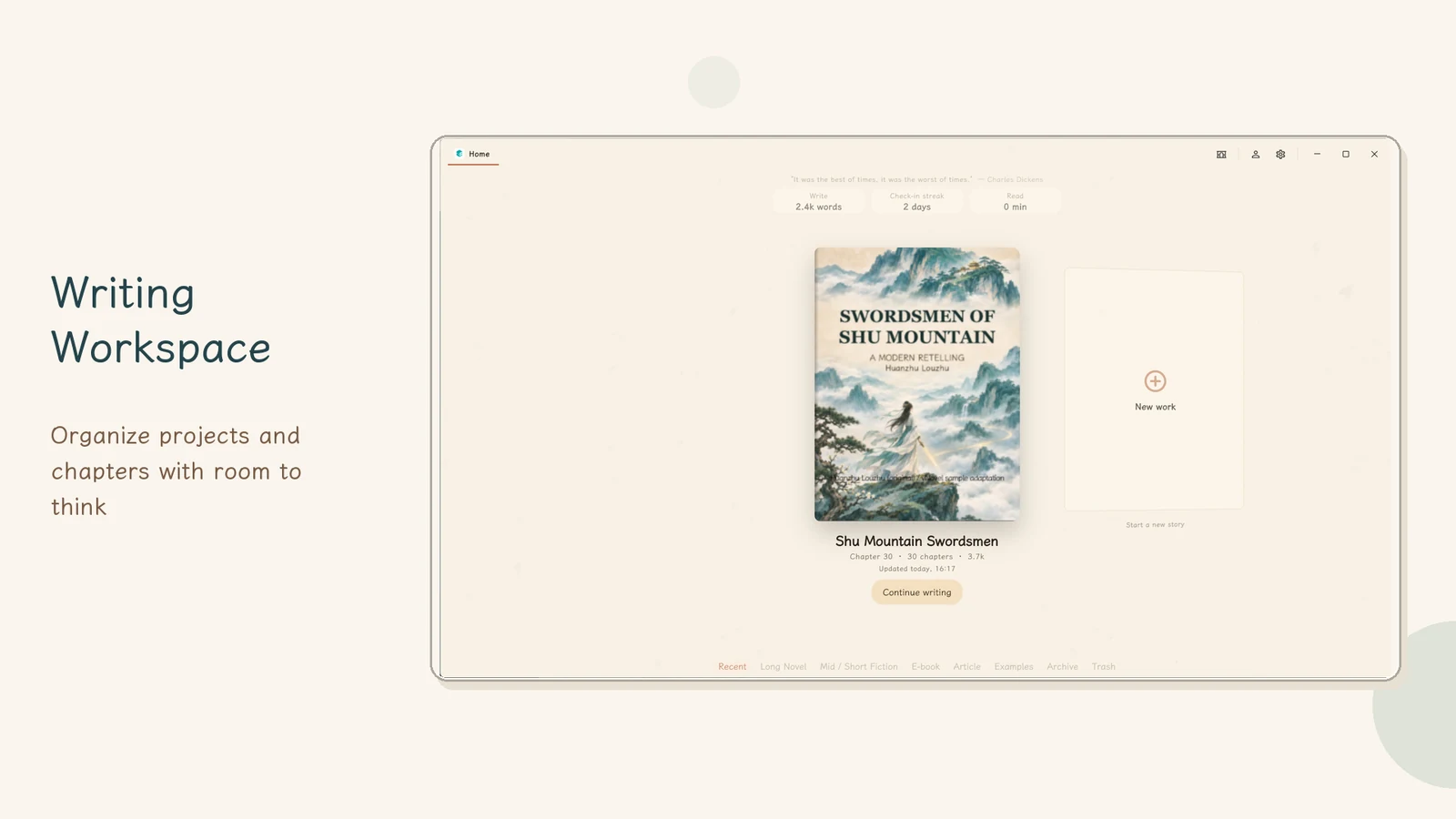
One desk for the whole book
Find a project on the writing home and open its workbench. Project tabs help you move between books, while the chapter list, manuscript, and tool panels each have a place. Looking up a character should not mean losing the page you were writing.
You can step away from a half-finished scene to check a detail, then come back. Or keep a finished project nearby while opening the next one. A busy desk need not mean a busy mind.
Spread out the story
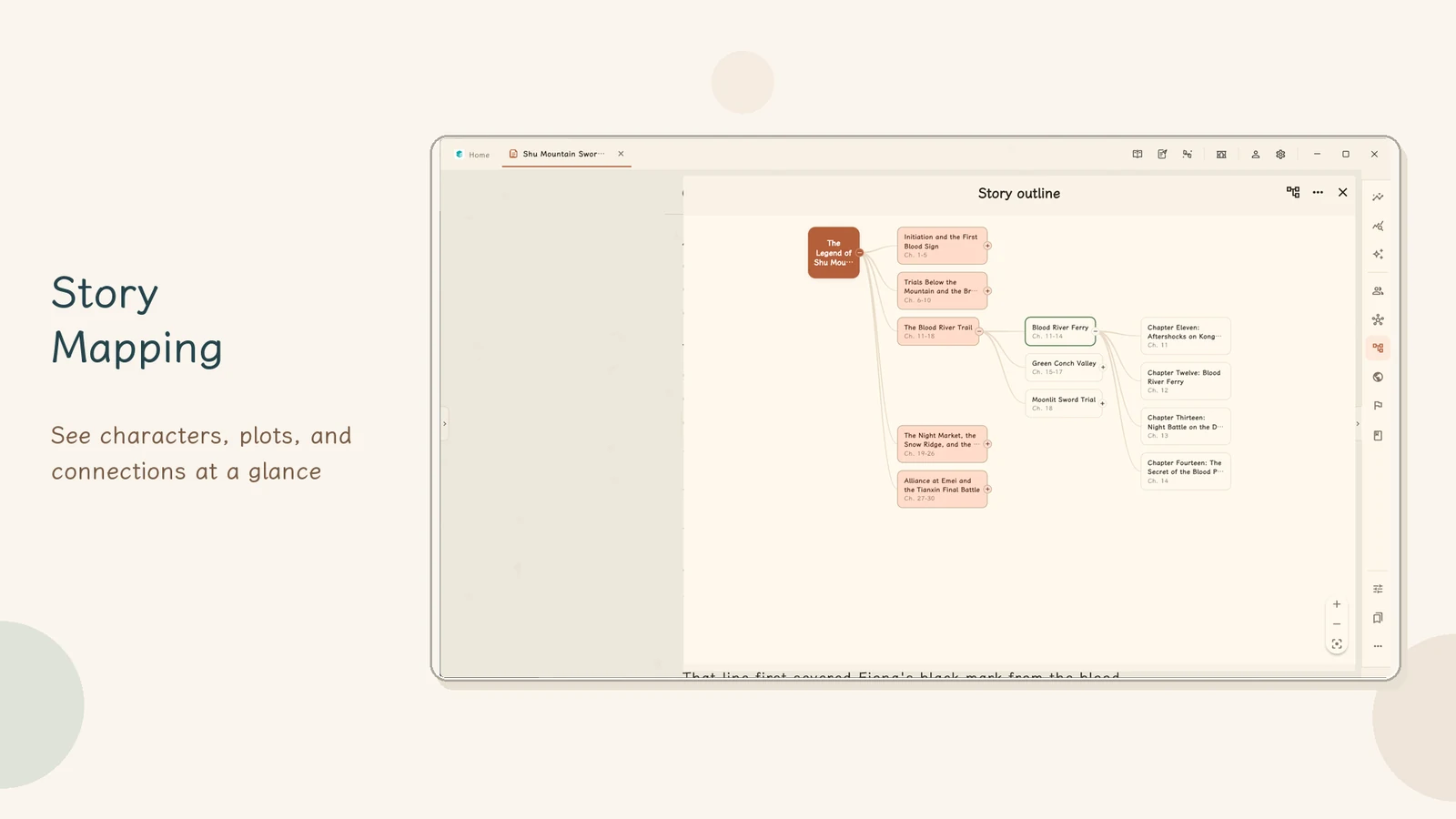
The delight of a long novel is that its world keeps growing. The complication of a long novel is, of course, that its world keeps growing.
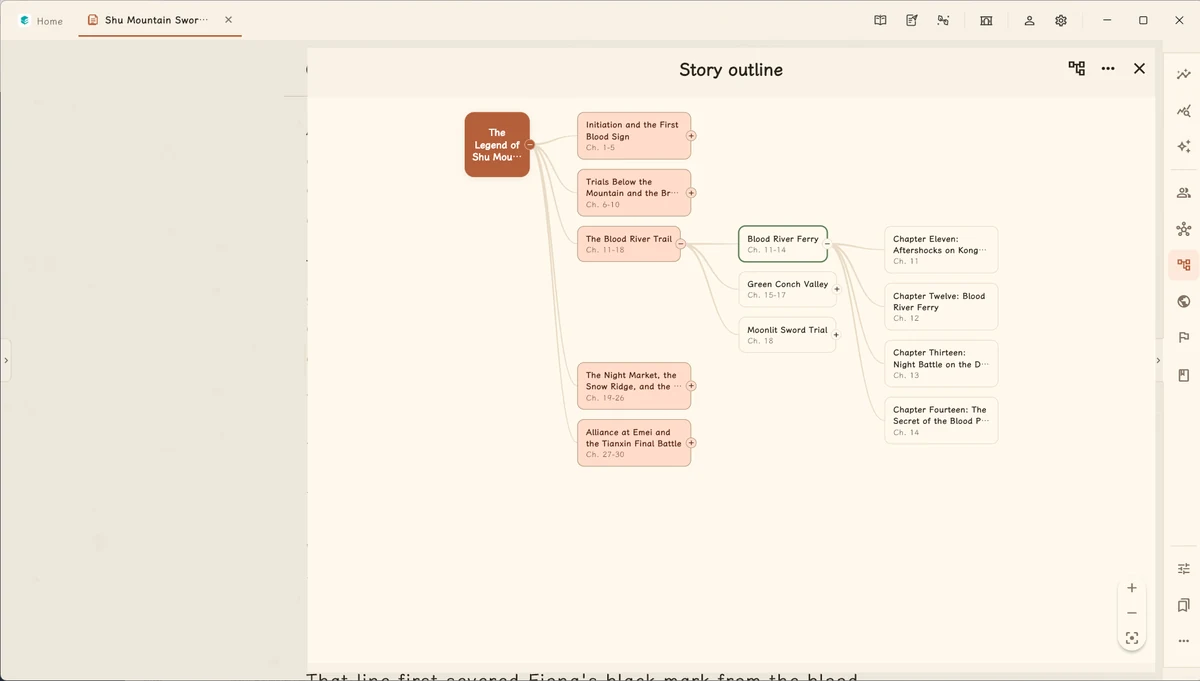
Outlines, relationships, world rules, and foreshadowing have more room on a desktop. Keep notes beside the manuscript, then open the map wider when you need the whole landscape. The seed you planted early and the tree it became can finally sit on the same table.
A quieter room for your words
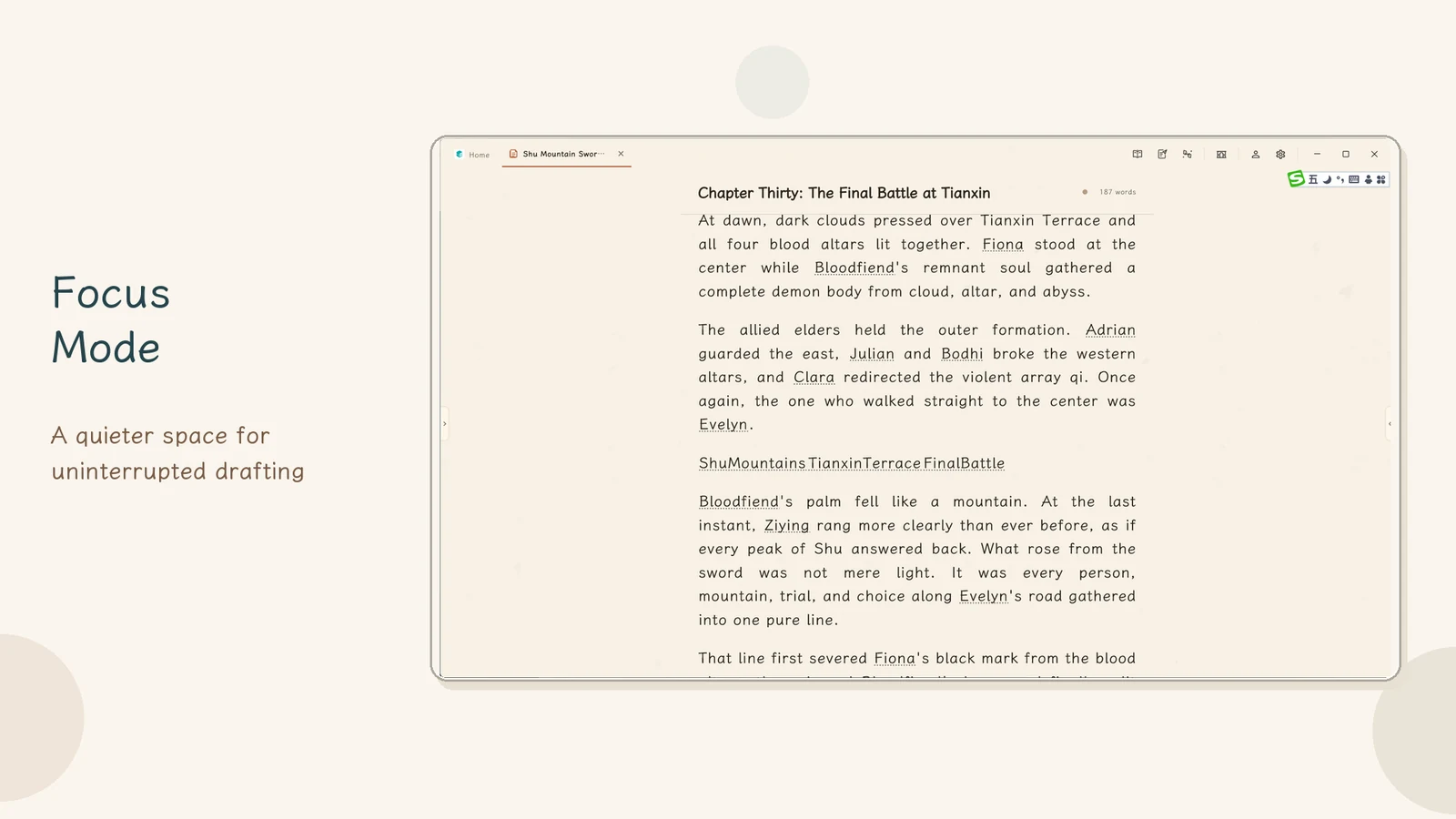
Sometimes the most useful thing a tool can do is step aside. Focus mode lets the sidebars and panels retreat, leaving more of the screen to the passage in front of you.
Let the rain in the scene fall at its own pace. Let the character finish that difficult sentence. You do not have to keep the whole toolbox open—or report to the word count every minute.
Tools beside the sentence
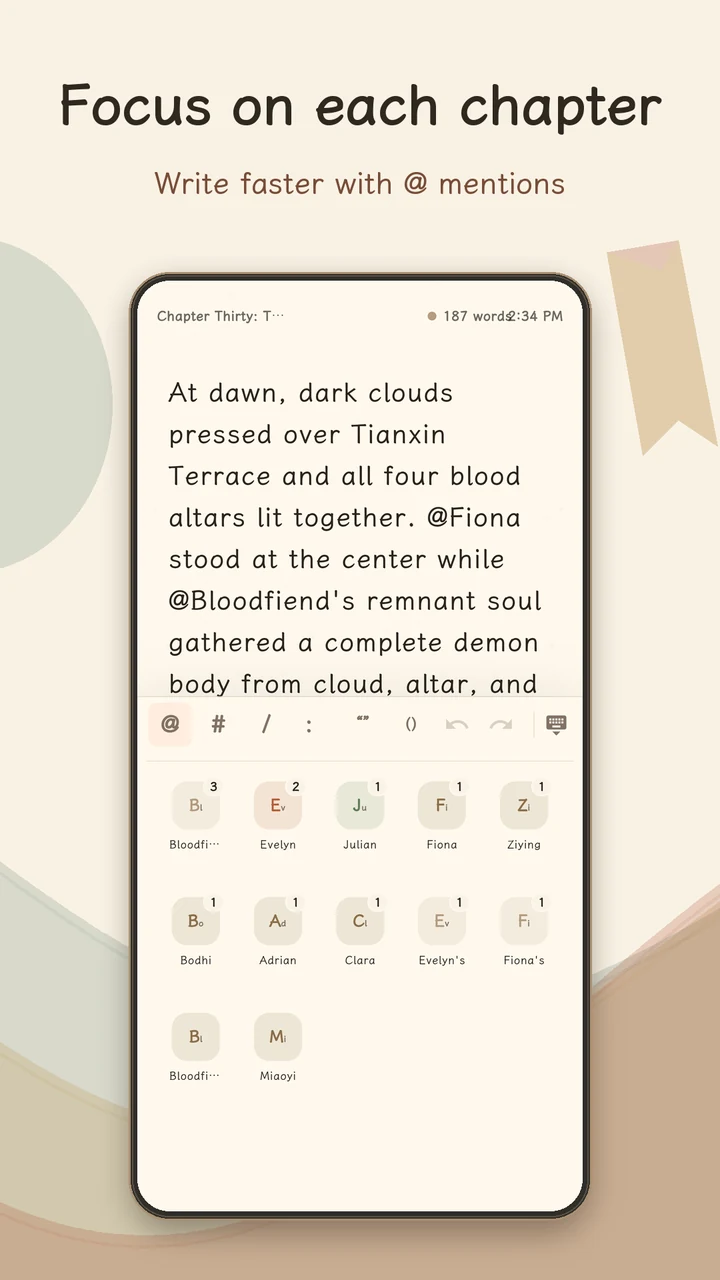
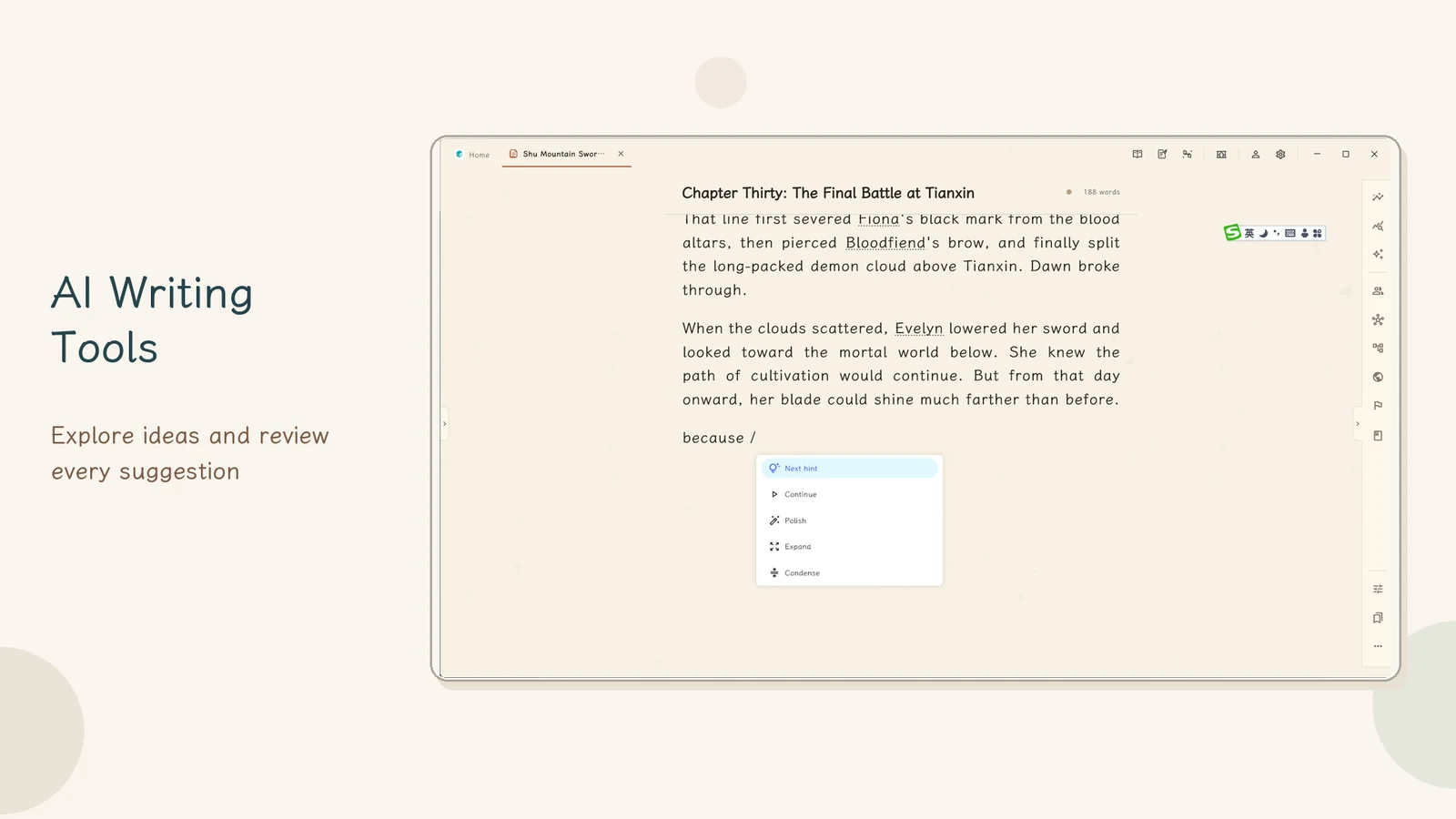
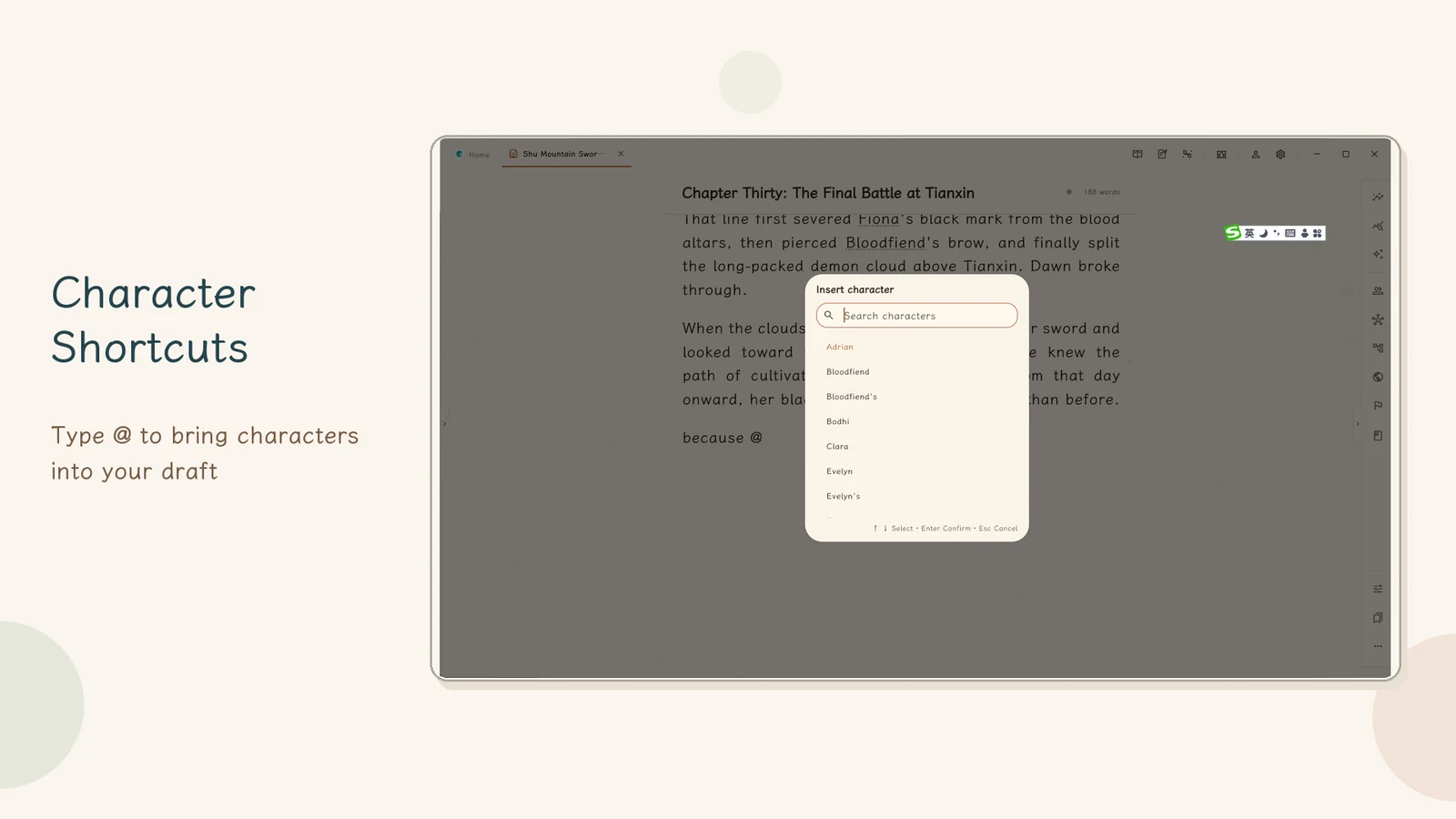
Want another way into a paragraph? Open the AI menu nearby. Need a character’s name? Type @ and choose a suggestion. Each little trip you avoid is one less interruption to the thought.
AI can offer a next sentence, continuation, expansion, or polish; analysis tools can help you revisit the writing and its structure. Read, choose, and revise. A tool can pass you a note, but you decide whether it belongs in the book. Check the app for any usage cost.
With a large cast, even roll call can become an adventure. Character shortcuts keep names close by: choose the person who belongs in the scene, then let them speak.
Take the chapter with you
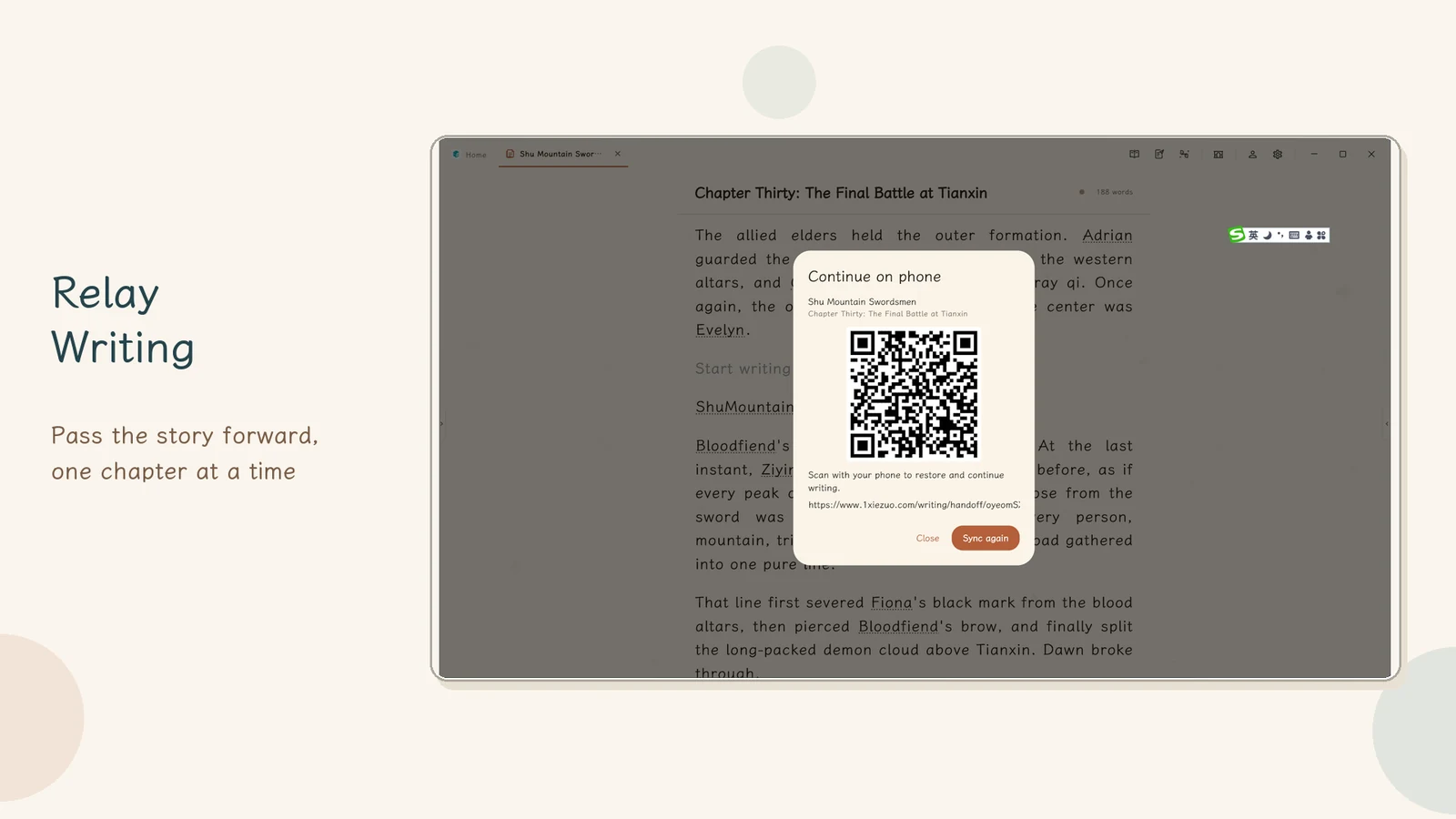
Just found the rhythm of a scene—and now you have to leave? The workbench’s Relay Writing entry can prepare a cloud backup and generate a QR code so a phone signed into the same account can pick up the work.
Keep both devices online and signed into the same account, then follow the sync and restore prompts. Check the project and chapter before continuing. If a code expires, a conflict appears, or a restore fails, keep the writing on both devices and retry or review the cloud backup.
A cover, a mood, a place to return
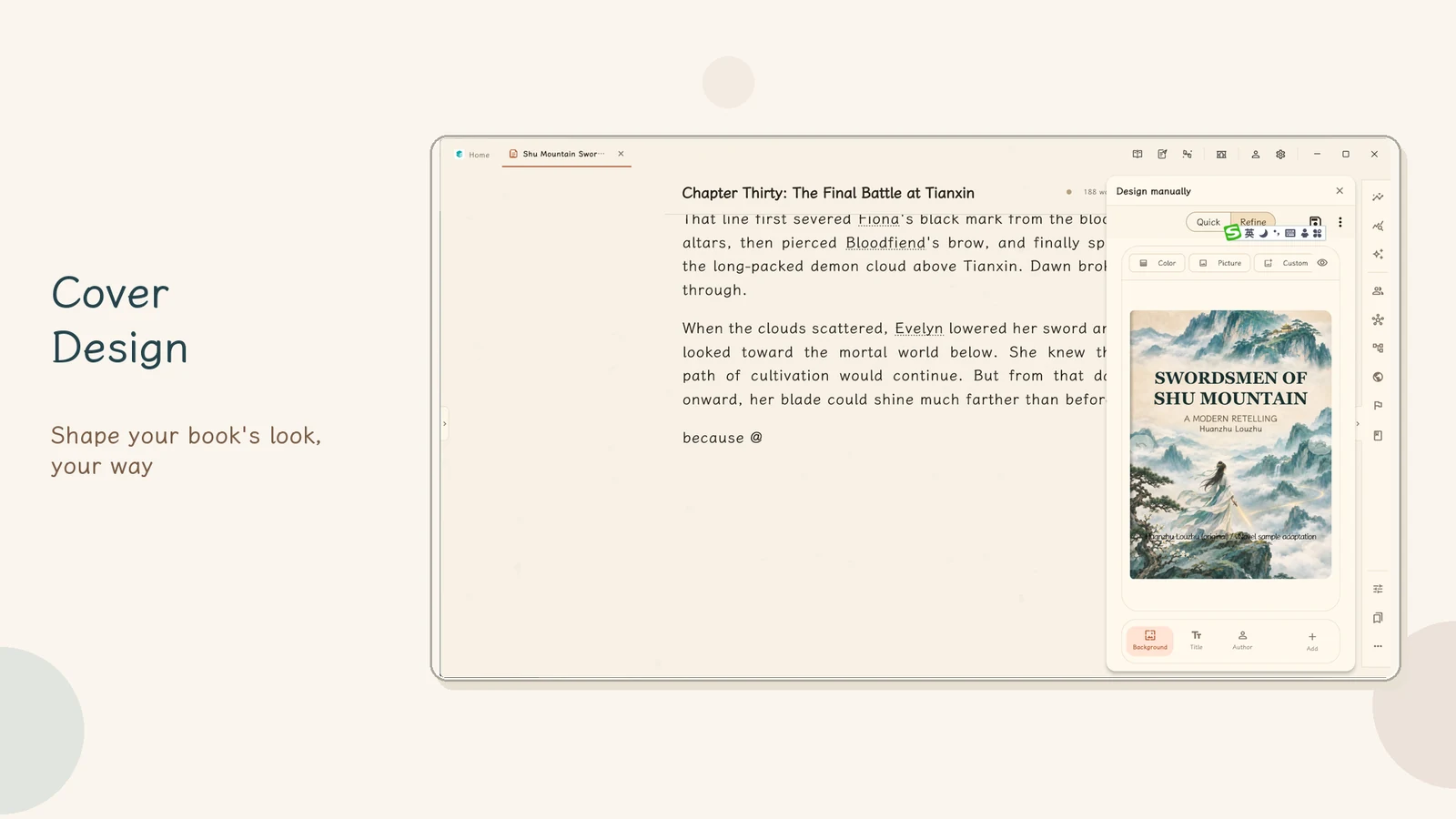
Is it a mountain adventure or a love letter to a city? Bring title and image together in the cover designer. Give the story a way to introduce itself before anyone turns the first page.
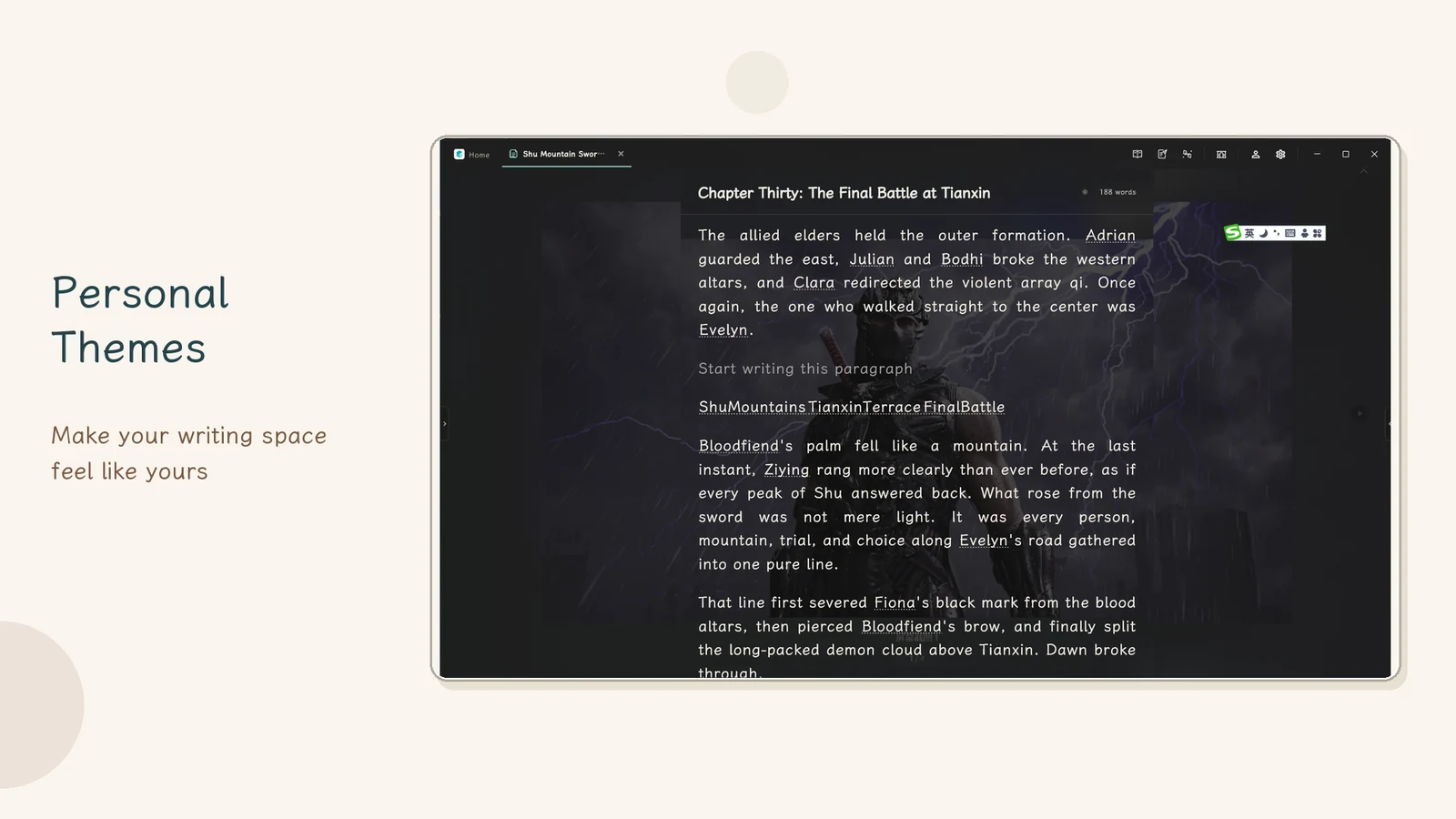
Your writing desk can have a personality, too. Choose a font, a palette, a background, or a theme that feels comfortable. Warm paper by day, a quieter shade by night. The story can stay; the lighting is allowed to change.
From the next paragraph to the shape of a whole novel, v6 aims to put useful tools closer to hand—and make it a little easier to sit down again tomorrow.
The desk is ready. Tell us a story.
Before you go
The website provides Windows, macOS, and Linux downloads. Check the download page for current versions and system requirements. All eight images in this article show the Windows v6 series; Mac and Linux windows and some operations may differ. Website availability does not mean every app store has listed the release.
Visit the download page