
Check your submission result
After submitting, open My submissions to see the current state and review record.
- Open My submissions.
- Select a work and read its status and the academy's response.
- If changes are requested, update the work and use the actions the page offers.
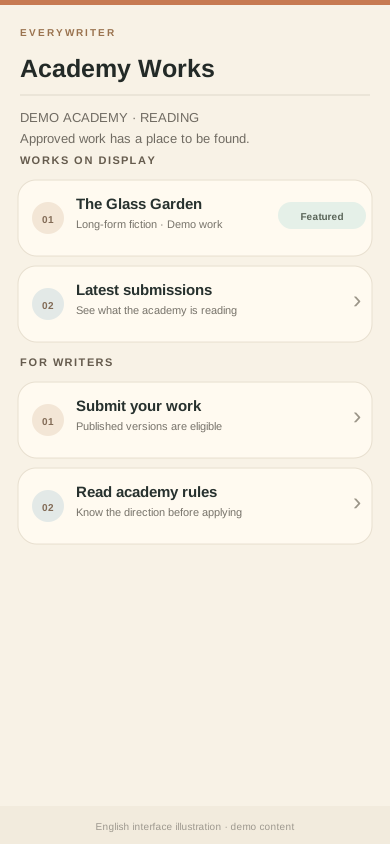
- After approval, check whether the work appears in the academy display.
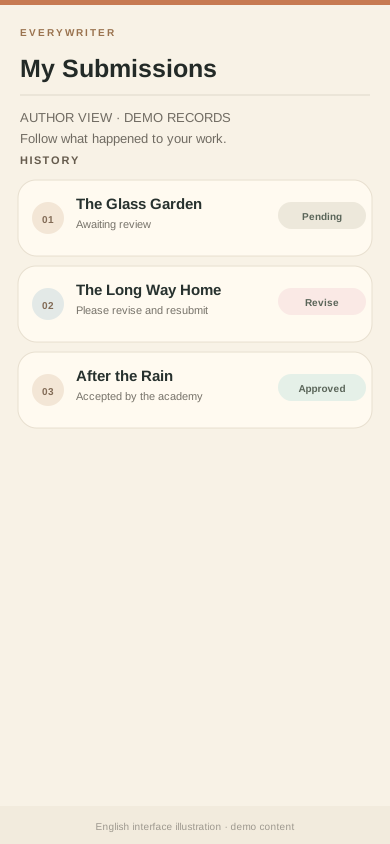
Illustrative records. Work names, states, and notes are examples, not your submission data.
Approval, appearance in the academy, and being marked as an academy pick are separate steps. A broader recommendation is not automatic.
Next: Join or run an academy