
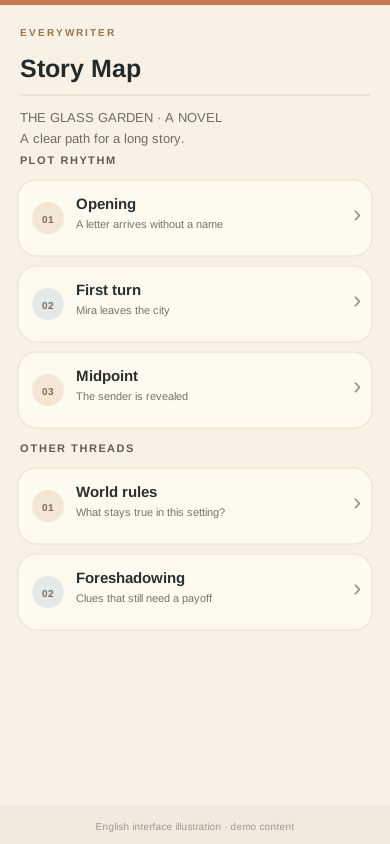
Plan long-form turns with the rhythm tree
If the middle of your story starts to drift, use the rhythm tree to see where major turns belong.
- Open a work and find the rhythm tree under Plot / Story map.
- On first use, choose a template and enter a length plan in the setup guide.
- At each key point, write one sentence about what changes there.
- Return to chapters to write. Update the nodes when your plot changes.
Tip: Start with the opening, first major turn, midpoint change, and ending direction. Leave the rest open.
The rhythm tree has its own in-app help. It is a planning tool; the story remains yours.