
Write your first chapter in five minutes
Start writing now. Characters and story maps can come later.
- Open Library, choose a genre, and tap New work.
- Add a title and create the work.
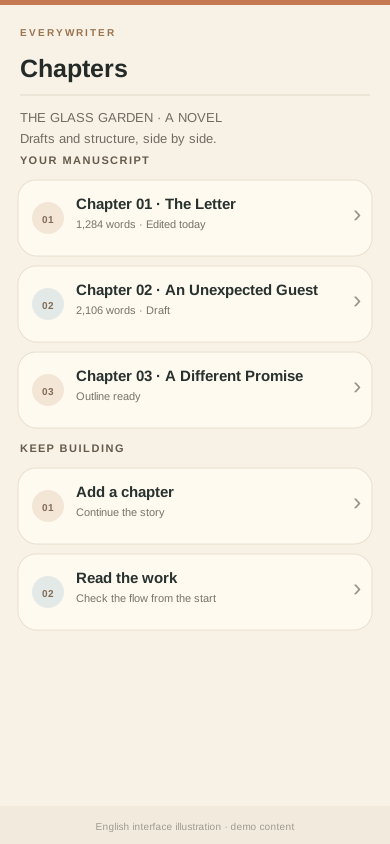
- Open Chapters and add your first chapter.
- Open the chapter and write an opening. You can return to it from the work page.
Try this opening: Give your protagonist a problem, then show what they decide to do. You do not need to explain the whole world yet.
Chapter text lives in the local writing space on this device. Back up your work before changing devices, uninstalling, or clearing local data.