
Manage works and chapters
Give each part of a long story a clear home in the chapter list.
- Open a work from Library.
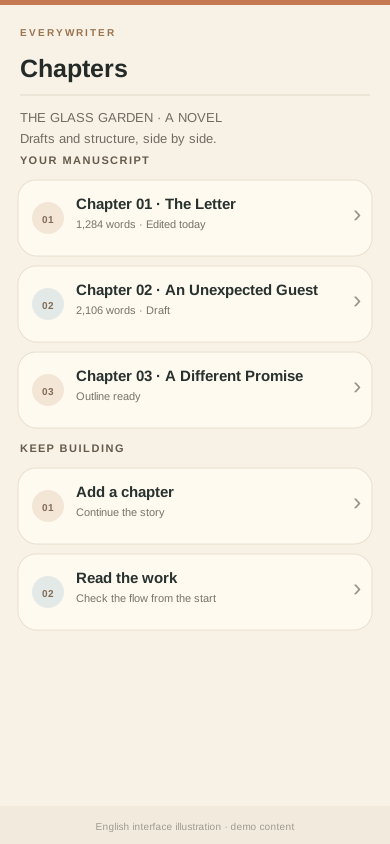
- Open Chapters, add the next chapter, and give it a recognizable title.
- Open the chapter to write. Switch to reading when you want to check continuity.
- Return to the work page to arrange chapters or update work details.
Tip: Use a working title such as “character + event,” then polish it later. The list will tell you where the plot stands.
If you may change devices, back up your work regularly.